

If the yellow trouble light is on and/or the keypad is beeping, please follow the steps below.
Checking trouble codes
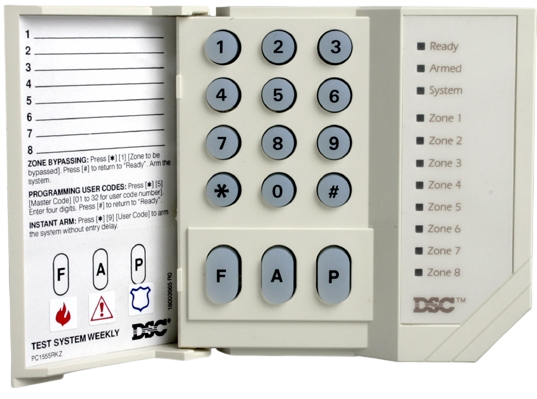
- Press [*][2].
- One or more zone numbers will light up.
- Match the number to the trouble condition in the chart below and follow the steps under Action.
Stopping trouble beeps
The beeping will stop once all trouble conditions have been resolved.
Press [#][#] to temporarily silence the trouble beeps.
If you need further assistance, call Scott Security at (604) 451-0300 for technical support.
| # | Trouble Condition | Action |
|---|---|---|
| 1 | Low Battery | Low Panel Battery |
| 2 | AC Loss | Troubleshoot a power failure. |
| 3 | Telephone Line Fault | Call Scott Security at (604) 451-0300 to book a service appointment. |
| 4 | Failure to Communicate | Initiate a manual test. |
| 5 | Fire Alarm Circuit Troubvle | Press [5][9] |
| 6 | Loss of Clock/Date | Set the time and date. |